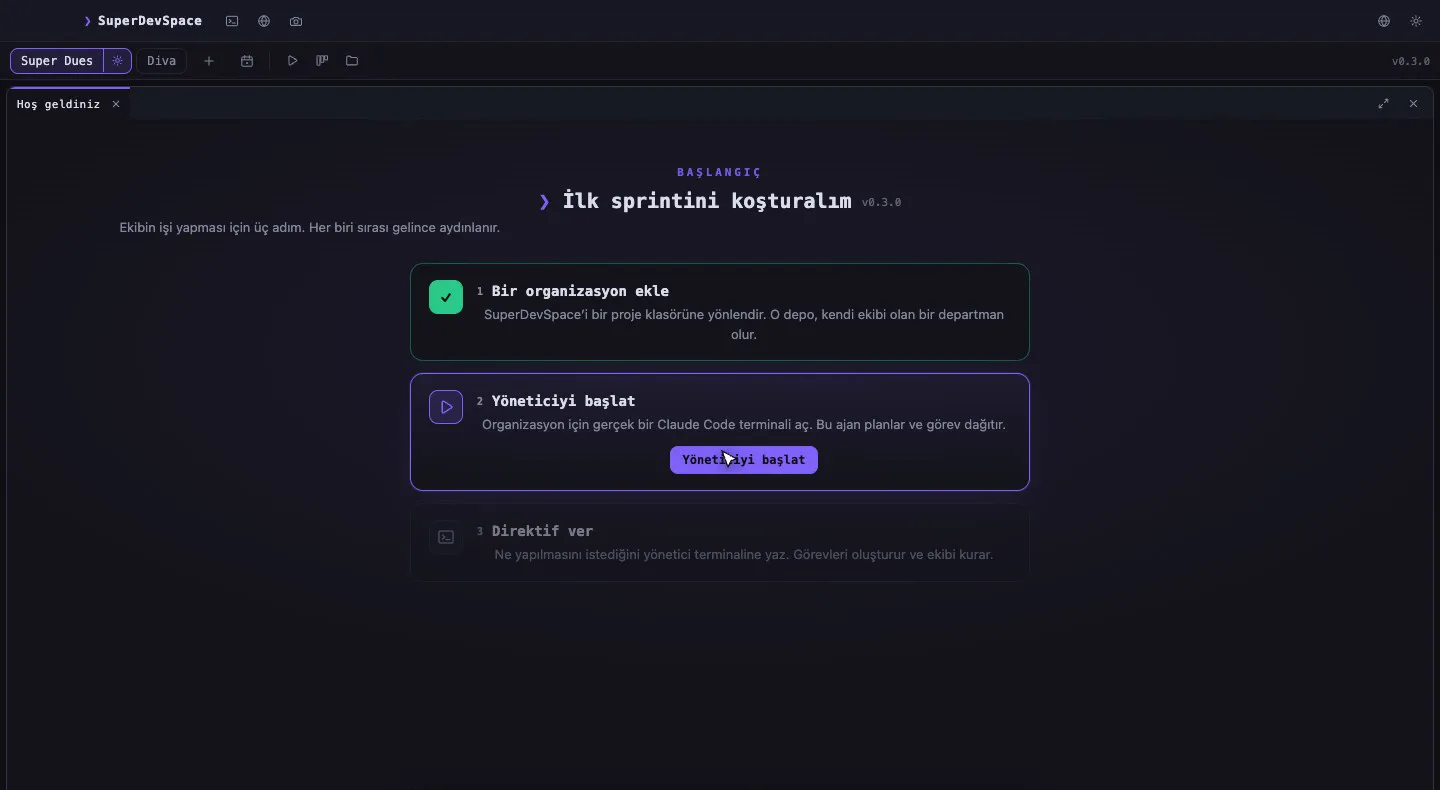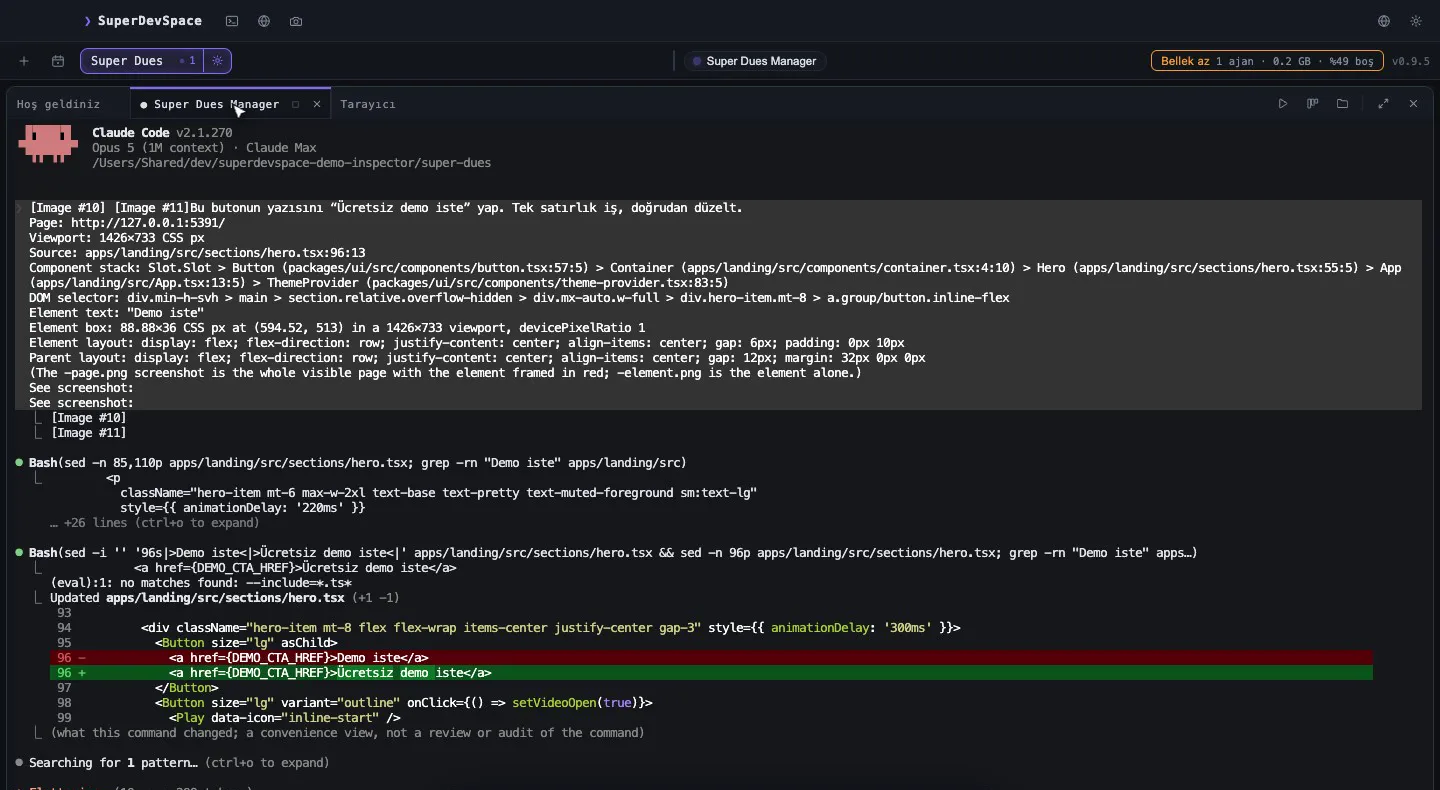
Run two coding agents in the same checkout and you will find out quickly why software teams use branches. One agent is renaming a module while the other runs the test suite against half of that rename. One stages files the other just deleted. Neither is wrong; they are simply sharing a desk.
SuperDevSpace runs a manager and several workers on one repository at the same time. This post explains the mechanism that keeps them apart — git worktrees — and the exact rules the app follows around them.
What a git worktree is
A git repository normally has one working directory. git worktree lets a single repository have several, each checked out on its own branch, all sharing the same object database. There is no second clone and no second copy of the history: a new worktree costs the files of one checkout and nothing more.
You can try it by hand in any repository. The commands are the same everywhere; only the shell differs:
macOS / Linux
git worktree add -b agent/frontend-demo ../myrepo-frontend
git worktree list
cd ../myrepo-frontend && git status
cd - && git worktree remove ../myrepo-frontend
Windows (PowerShell)
git worktree add -b agent/frontend-demo ..\myrepo-frontend
git worktree list
cd ..\myrepo-frontend; git status
cd ..\myrepo; git worktree remove ..\myrepo-frontend
Each worktree has its own HEAD, its own index and its own files. Two processes can edit, build and test in two worktrees at once without seeing each other's half-finished changes. That is exactly the property a team of agents needs.
How SuperDevSpace uses them
The rules are simple, and they are the same for every organisation:
- The manager works in your main checkout. It plans, reviews and merges; it is the one place where branches come together.
- Every worker gets its own worktree on its own branch. When the manager hires a worker, the app runs
git worktree add -b <branch> <path>for it. The branch is namedagent/<worker-name>-<stamp>unless you gave it a name yourself. - Worktrees live in the app's own data folder, under
worktrees/<organisation>/<worker>, never inside your repository. Your project folder does not fill up with agent directories. - Every turn is committed. When a worker finishes a turn, the app commits whatever changed in its worktree (
agent(<name>): turn). Nothing a worker did is ever only in an uncommitted working directory. - Merging is a squash merge. When the manager accepts a worker's report, the branch is merged into your line with
git merge --squashand one commit. If the merge conflicts, the app aborts it and leaves the repository clean for the next operation instead of leaving you in the middle of a conflicted merge. - One git operation at a time per repository. The worktree directories isolate the files; a per-repository queue serialises the git commands themselves, so two workers finishing at the same moment never race on git's metadata.
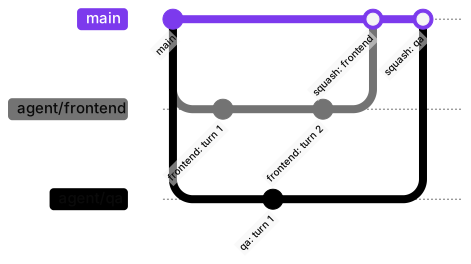
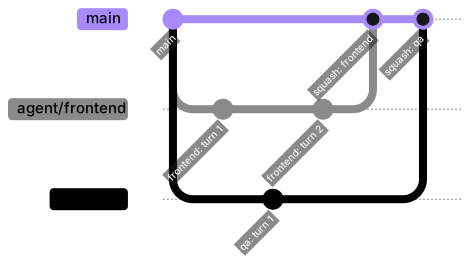
Diagram as text
gitGraph
  commit id: "main"
  branch agent/frontend
  commit id: "frontend: turn 1"
  checkout main
  branch agent/qa
  commit id: "qa: turn 1"
  checkout agent/frontend
  commit id: "frontend: turn 2"
  checkout main
  merge agent/frontend id: "squash: frontend"
  merge agent/qa id: "squash: qa"
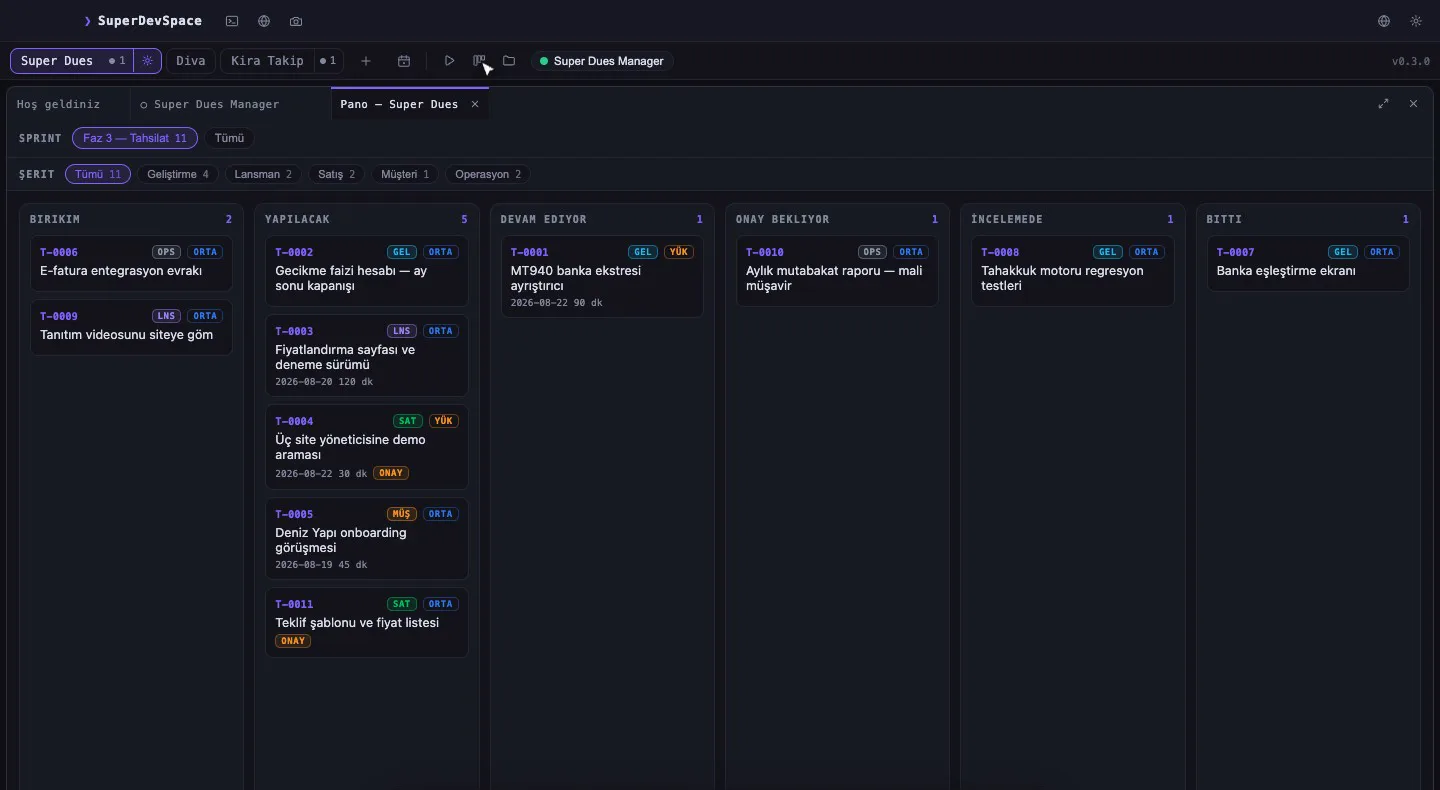
On the board this looks like several tasks in progress at once, each owned by a different worker, each with its own branch underneath.
The parts that make it practical
A fresh worktree contains only what git tracks. That is usually not enough to run a project: node_modules, a local .env, generated files. Two details handle this.
A setup script per repository
If your repository has .super/scripts/setup-worktree.sh, the app runs it inside every new worktree before the worker starts, with SUPERDEV_MAIN_REPO pointing at your main checkout. Its output streams live, so a long install is not a blind wait, and you can cancel it.
#!/usr/bin/env bash
set -euo pipefail
# Copy local-only files from the main checkout
cp "$SUPERDEV_MAIN_REPO/.env" .env 2>/dev/null || true
# Install dependencies (pnpm links from one shared store, so this is quick)
pnpm install --frozen-lockfileSubmodules
git worktree add leaves submodules empty. If the new worktree has a .gitmodules file, the app runs git submodule update --init --recursive in it, so a worker never builds against a quietly missing dependency.
Cleaning up without losing work
Worktrees accumulate. The app reclaims them, but it is conservative about it:
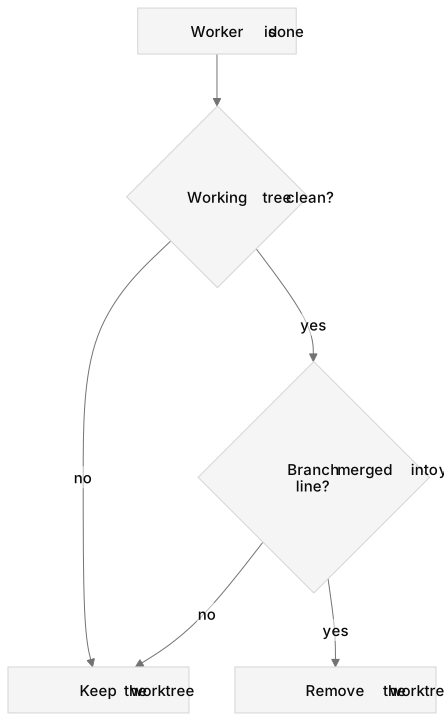
Diagram as text
flowchart TD
  start["Worker is done"] --> clean{"Working tree clean?"}
  clean -->|"no"| keep["Keep the worktree"]
  clean -->|"yes"| merged{"Branch merged into your line?"}
  merged -->|"no"| keep
  merged -->|"yes"| remove["Remove the worktree"]
A worktree with uncommitted changes, or with a branch that has work not yet in your line, stays where it is. A deleted folder can be recreated; lost work cannot. The same caution applies to branches: the app keeps track of the branches it created, and it only touches those.
What this changes for you
With each worker on its own branch, "run four agents at once" stops being a gamble. You can:
- give the manager a directive that splits into independent tasks and let the workers run in parallel;
- read any worker's diff on its own, next to the conversation that produced it;
- reject one worker's change without disturbing the others;
- keep using your main checkout yourself while the team works.
It is the same discipline a human team uses, applied to agents that cannot tell you they are about to step on each other. If you are wondering why we built a whole app around this, the first post tells that story.
Try it
The 14-day trial is Premium, with no card. Download SuperDevSpace, point a new organisation at a repository, and watch the worktrees appear as the manager hires its first workers.