If you already pay for an agent CLI like Claude Code, you have more capacity than one terminal window lets you use. The model can plan, write code, run tests and explain itself. What it cannot do on its own is be five people at once, keep track of who is doing what, and hand you one honest report at the end of the day.
That gap is why we built SuperDevSpace. It is a desktop app that turns the CLI you already have into a small team: a manager that plans the work and workers that do it, each in its own terminal and its own git worktree.
The problem with one agent in one terminal
Working with a single coding agent feels great for a single task. It falls apart the moment you have three things to do in the same repository:
- You can open a second terminal, but both agents now edit the same checkout. One of them runs the test suite while the other is halfway through a refactor.
- You become the project manager. You split the work, you remember which terminal had which task, you copy context from one session to the next.
- Nothing writes down what happened. When you come back after lunch, the only record is a scrollback buffer.
None of this is a model problem. It is an organisation problem, and organisation is something software is good at.
| One agent, one terminal | A SuperDevSpace organisation | |
|---|---|---|
| Parallel work without collisions | ✗ | ✓ |
| A worktree and branch per worker | ✗ | ✓ |
| Work split into tasks on a board | ✗ | ✓ |
| A written report per task | ✗ | ✓ |
| You review the diff before it lands | ✓ | ✓ |
| Runs on the CLI you already pay for | ✓ | ✓ |
What SuperDevSpace actually does
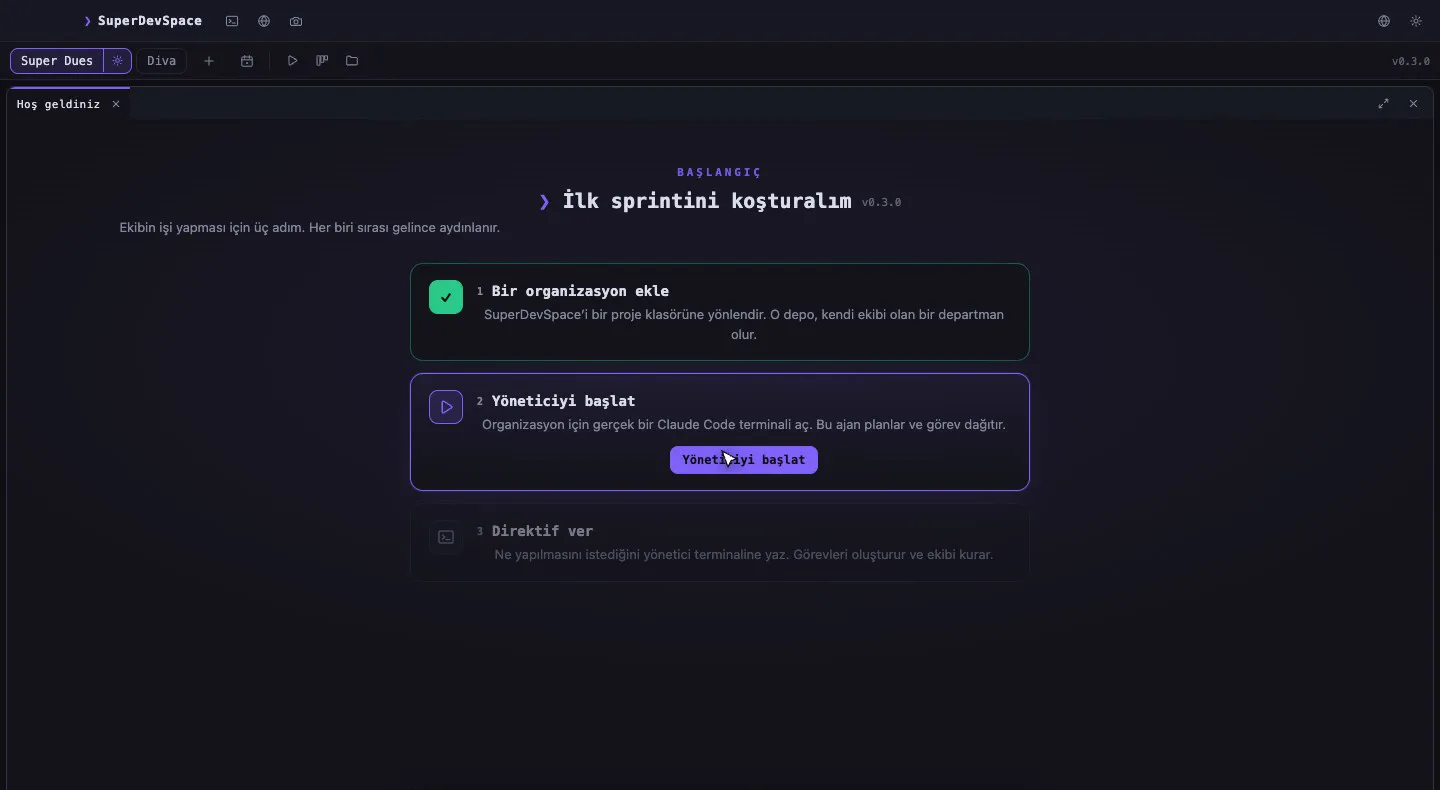
In SuperDevSpace every repository is an organisation. Each organisation has a manager: a real agent CLI session running in a real terminal that you can see and type into. You give the manager a directive in plain language — by typing, or by dictating it with voice typing.
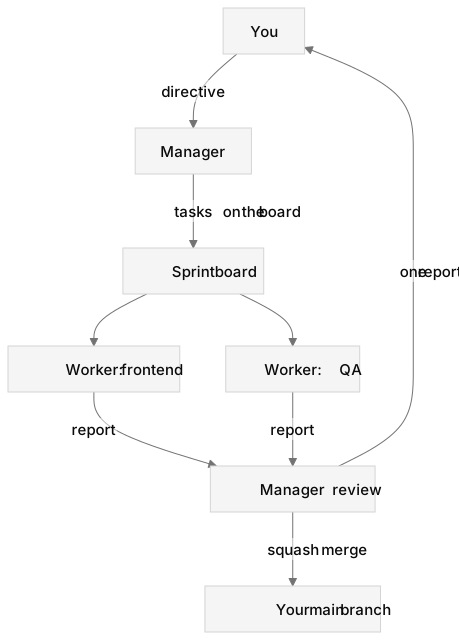
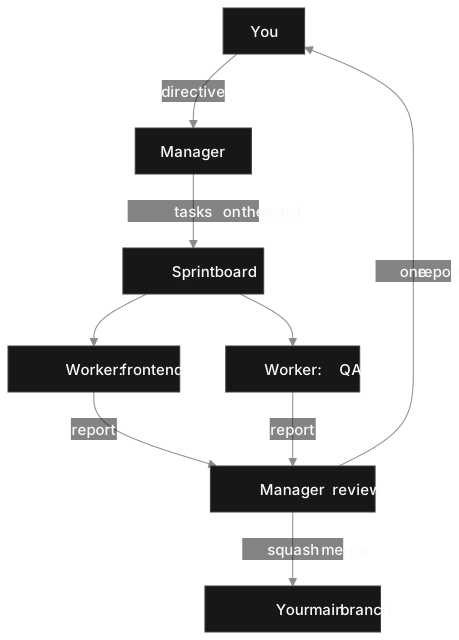
Diagram as text
flowchart TD
  you["You"] -->|"directive"| mgr["Manager"]
  mgr -->|"tasks on the board"| board["Sprint board"]
  board --> w1["Worker: frontend"]
  board --> w2["Worker: QA"]
  w1 -->|"report"| review["Manager review"]
  w2 -->|"report"| review
  review -->|"squash merge"| main["Your main branch"]
  review -->|"one report"| you
The manager then does what a lead would do:
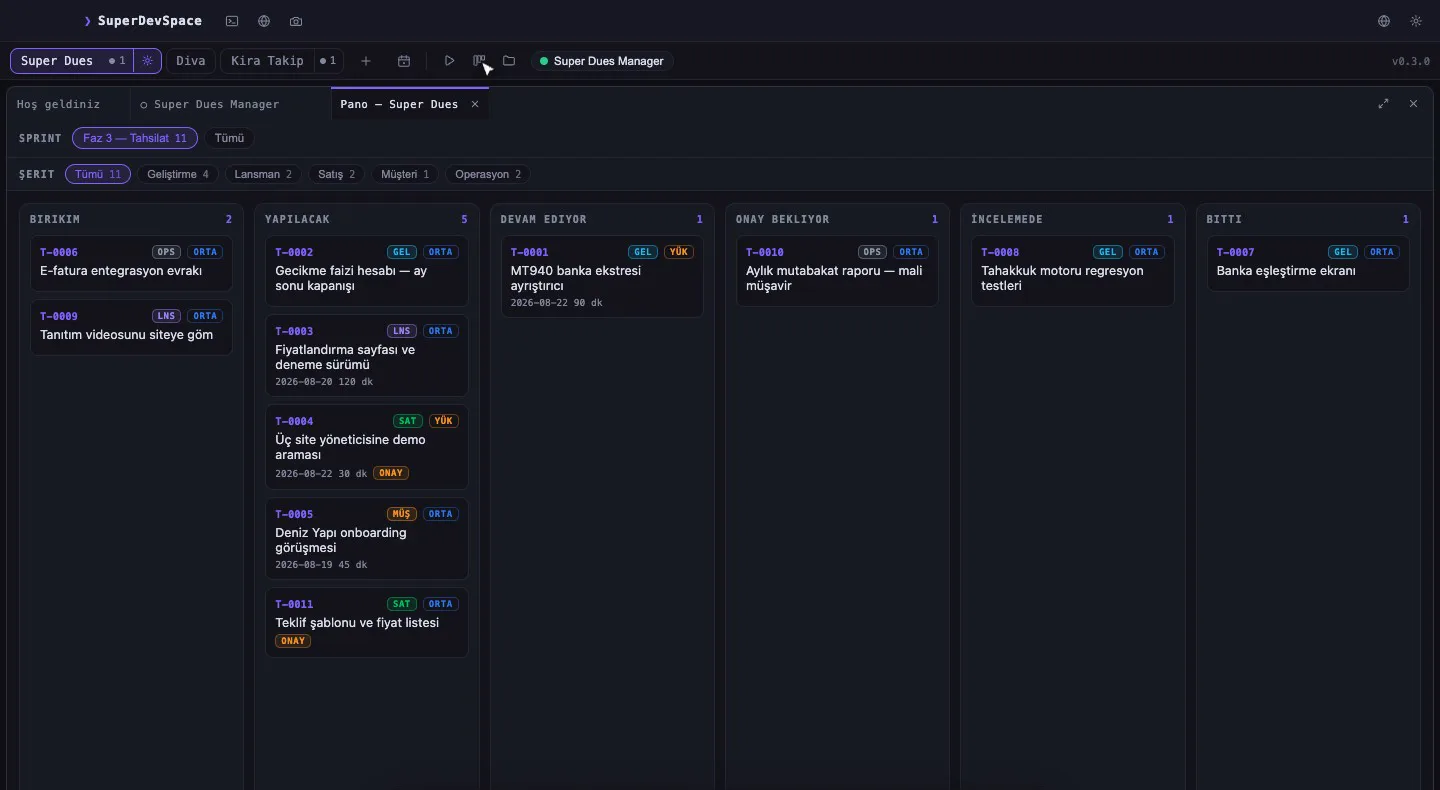
- Plan. It opens a sprint and breaks the directive into tasks on a board, each with a short brief.
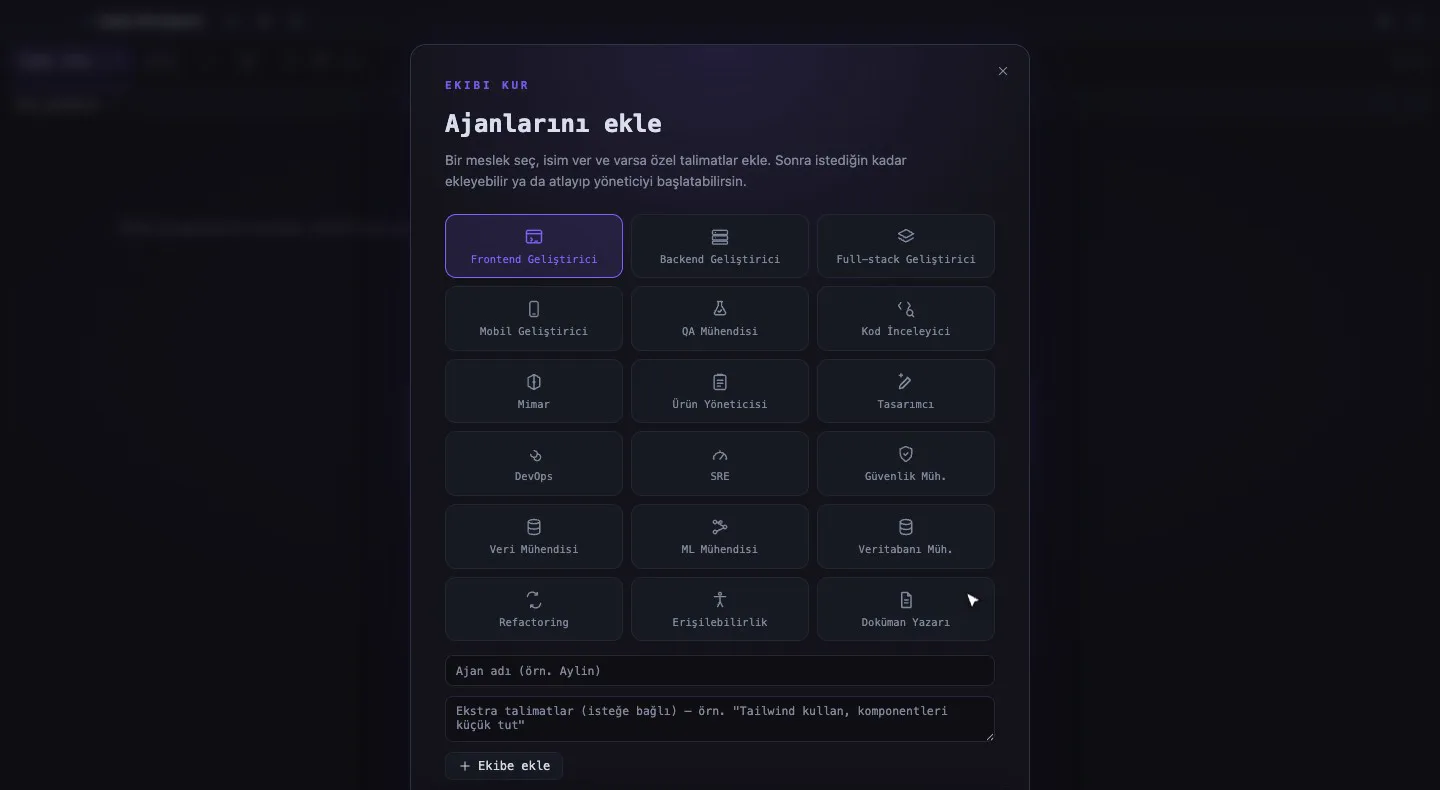
- Hire. It hires workers for those tasks. Every worker is another real CLI session in its own visible terminal tab, with a role — a frontend developer, a QA engineer, and so on.
- Isolate. Every worker gets its own git worktree on its own branch, so parallel work never collides in one checkout. A separate post explains how that works.
- Review. When a worker finishes, it submits a report. The manager reviews it, merges the branch, and asks for fixes when something is off.
- Report. You get one consolidated report instead of five scrollbacks.
You can always drop in. Every agent has a chat view and its real terminal — one session, two ways to look at it — and every change shows up as a diff next to the conversation that produced it, so you review before it lands on your main line.
Your subscription, your machine, your code
The most important design decision is also the simplest: SuperDevSpace drives a CLI you already pay for. We never resell model access, so nothing you run shows up on a bill from us beyond the SuperDevSpace subscription itself.
That decision has consequences we like:
- Agents run as local processes on your machine, against your local repositories. Your source, prompts, terminal output and file paths are never sent to our servers. Our account service stores an account, a subscription state and a device list.
- You choose the CLI per organisation. Claude Code, OpenAI Codex, Gemini CLI, Aider, Qwen Code, Cursor CLI and OpenCode are all selectable. Claude Code is the one the app speaks fluently today — hooks, resume, MCP tools, permission answers. The other six start and run; the app marks them experimental and tells you which extras are not wired yet instead of failing quietly.
- Nothing is locked into our cloud, because there is no cloud doing the work.
Before the first directive, it is worth checking that the CLI and the repository are where you expect them:
$ claude --version
$ cd ~/code/your-project
$ git status
The parts around the team
A team needs more than terminals. A few of the things that come with every plan:
- A board that tells the truth. Sprints, tasks, briefs and reports. A report says what failed, not just what passed.
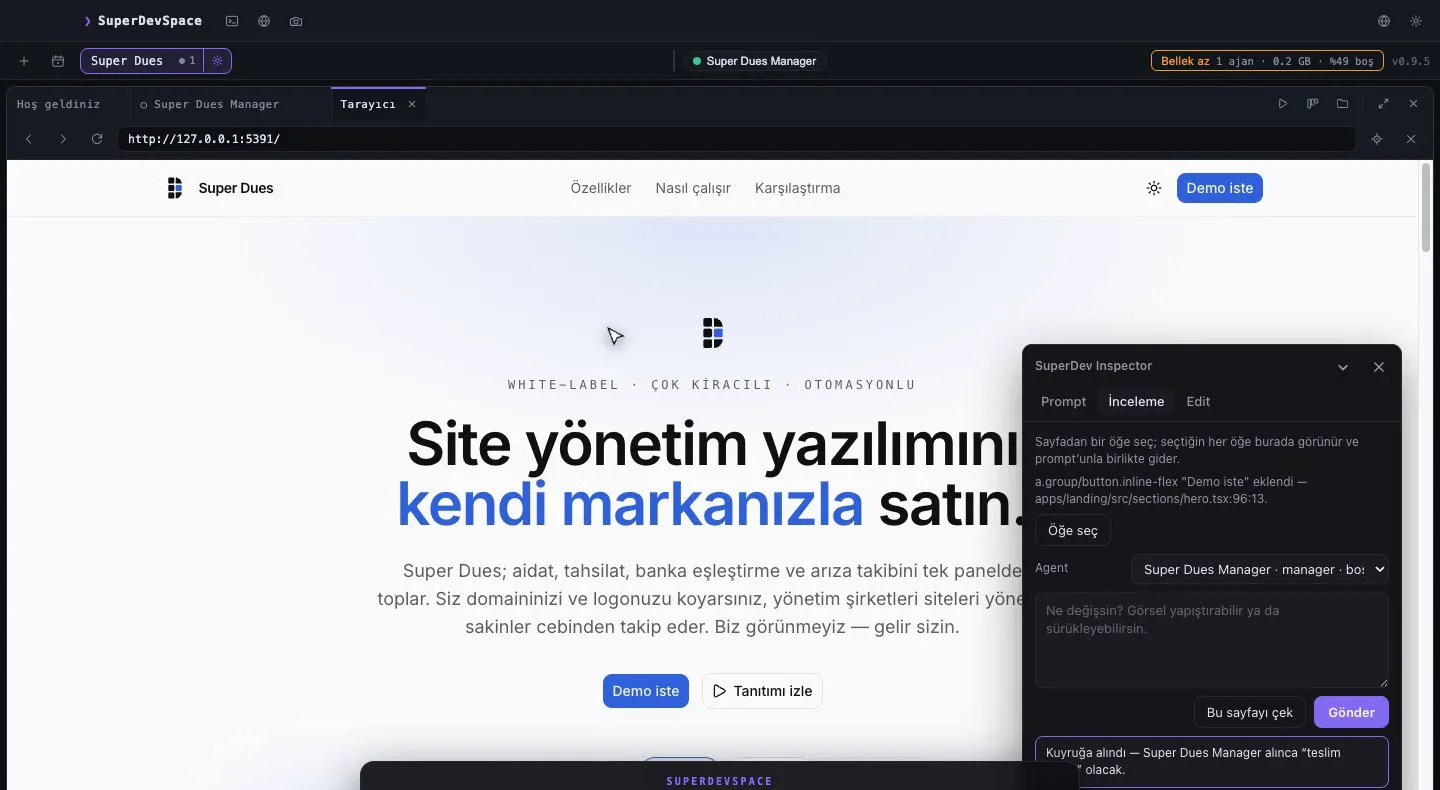
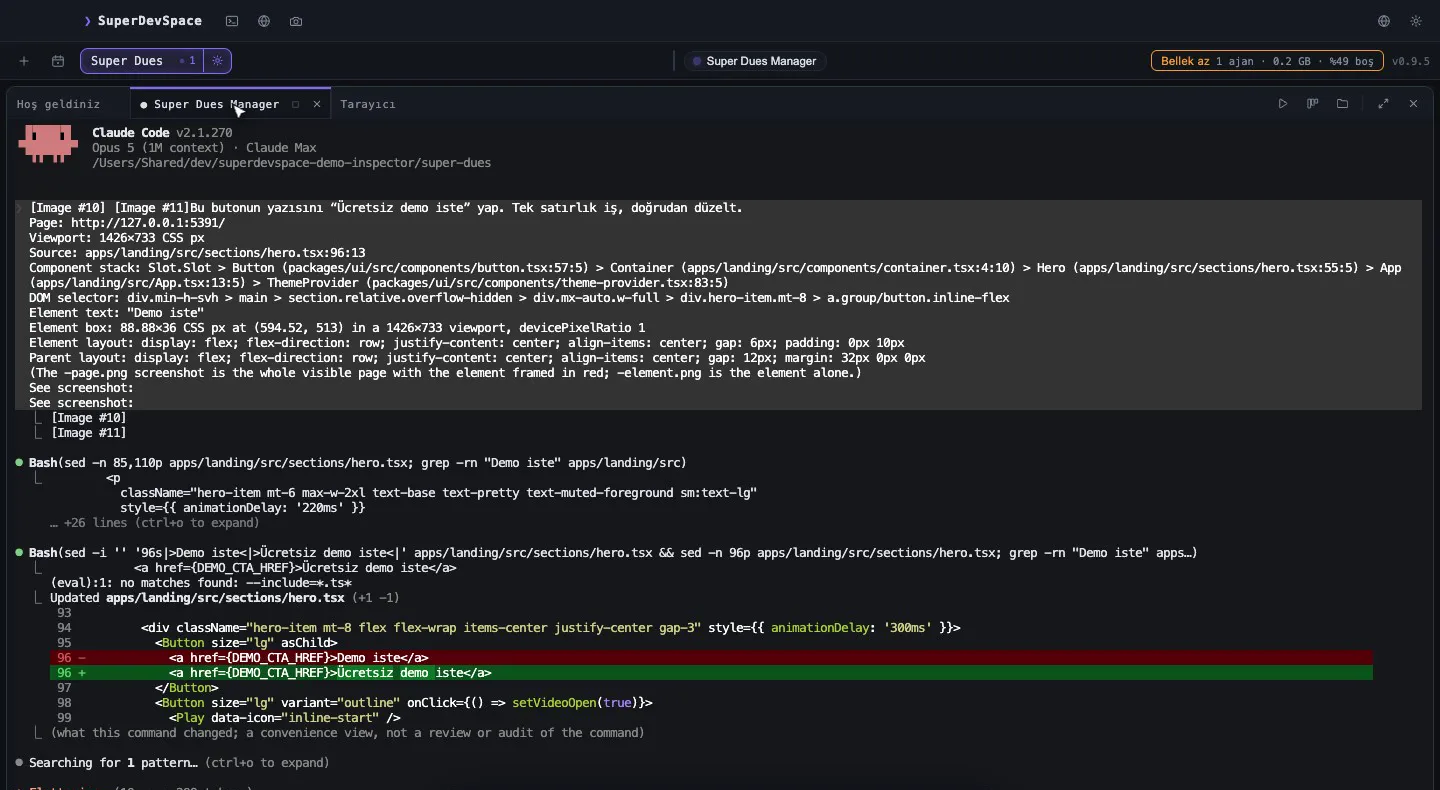
- Inspector. Click an element in your running web page and send it to an agent with the component, file and line attached. It works with Vite, Next.js and static sites.
- Approvals from your phone. When an agent needs a decision, it asks you. The phone app shows the board, the agents and the pending approvals, so you can answer a permission prompt away from your desk.
- A whiteboard per organisation (Excalidraw) that agents can read and draw on.
Premium adds the pieces that reach further: a design mode built on Penpot with a Designer agent that draws in the file, schedules that run directives on a timetable, and a peer link that lets a manager on your Mac hand work to a manager on your Windows PC. The pricing page has the full comparison.
What we do not promise
A team of agents still needs a boss: you decide what gets built, and you approve what reaches your main branch.
Try it
The trial is 14 days of Premium, with no card. Your CLI subscription stays yours, and so does your code. If you want to see the team at work on your own repository, download SuperDevSpace and give the manager its first directive.